Starfield Complete Interface Overhaul
A downloadable tool for Windows
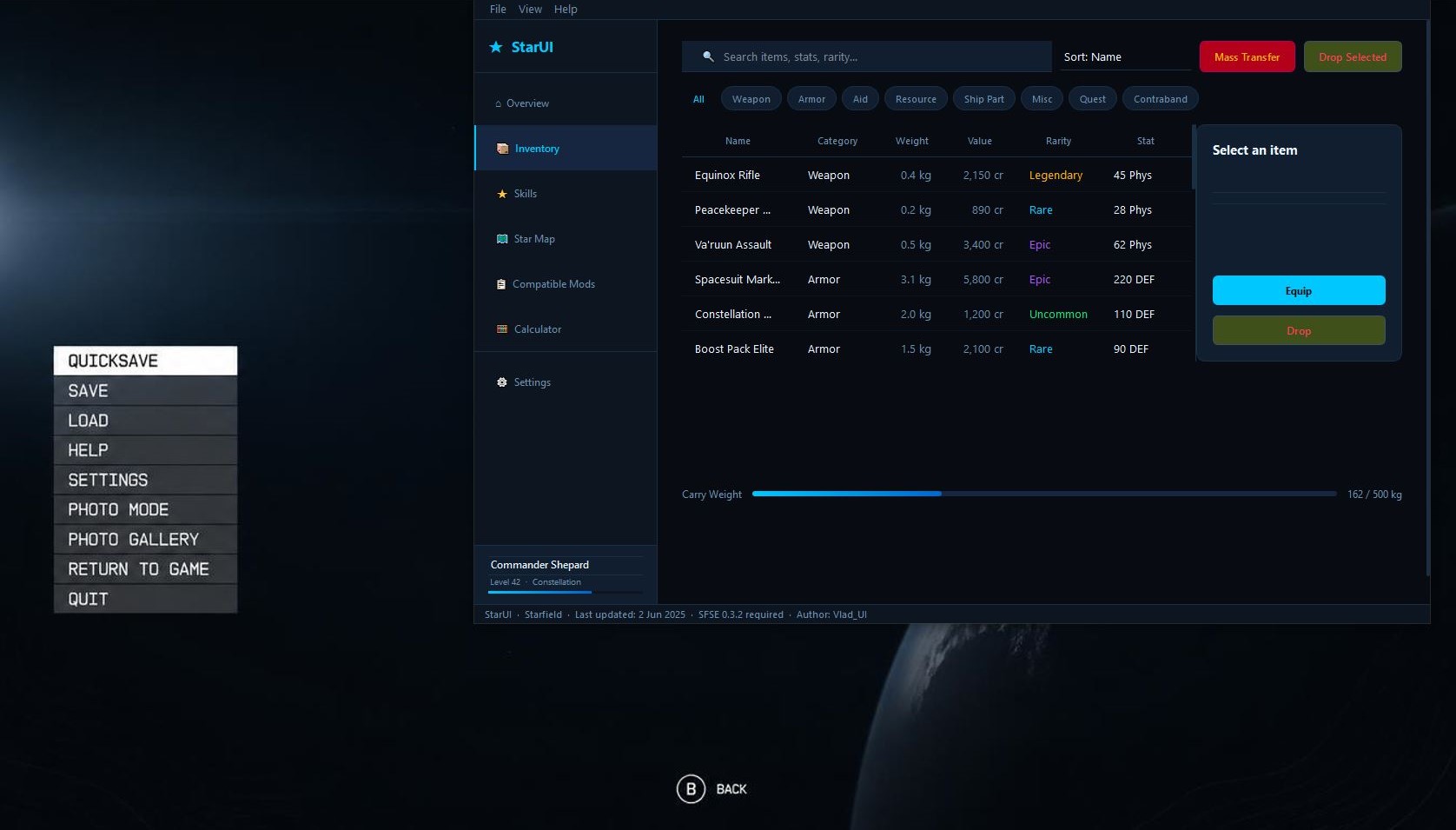
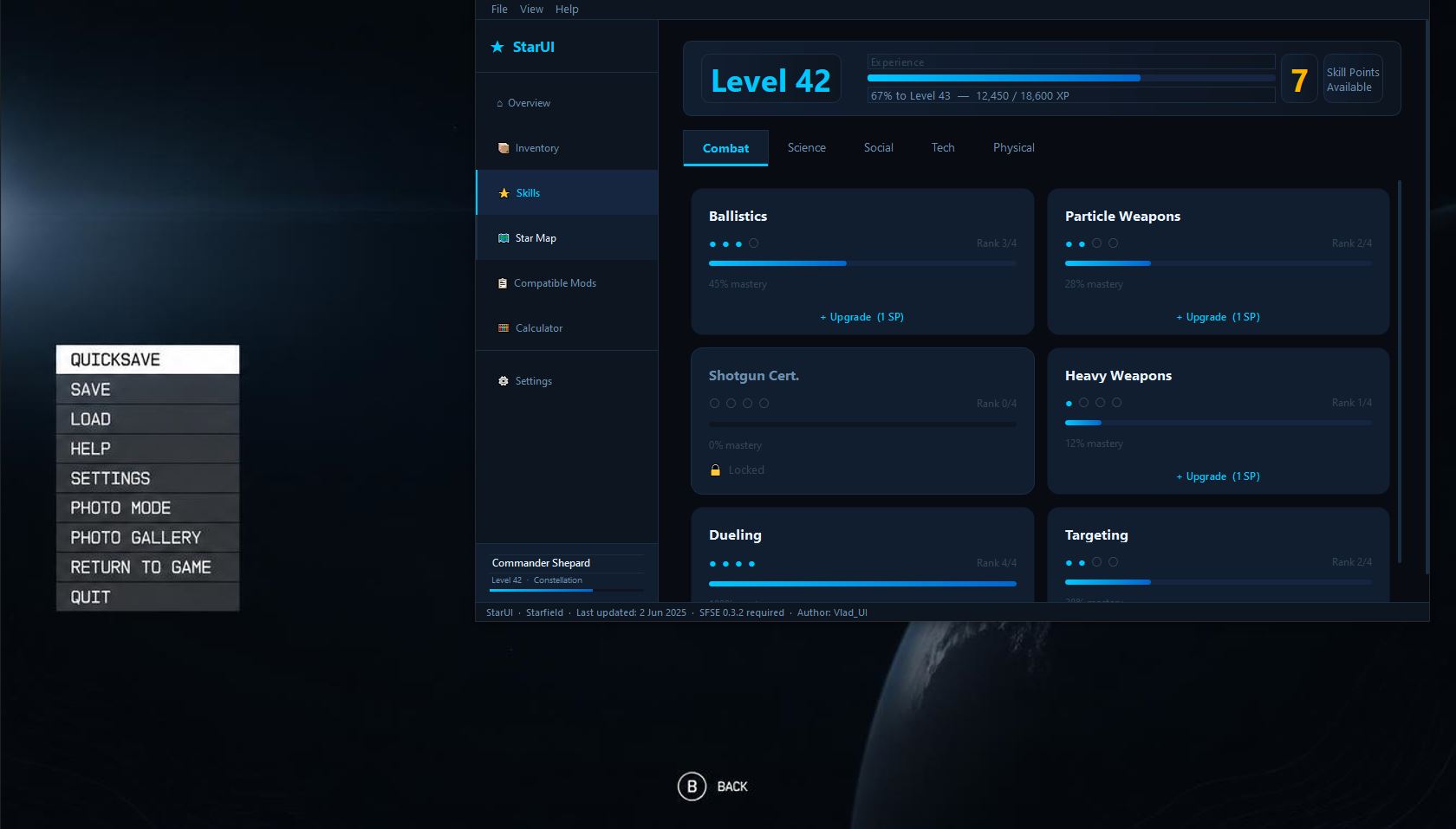
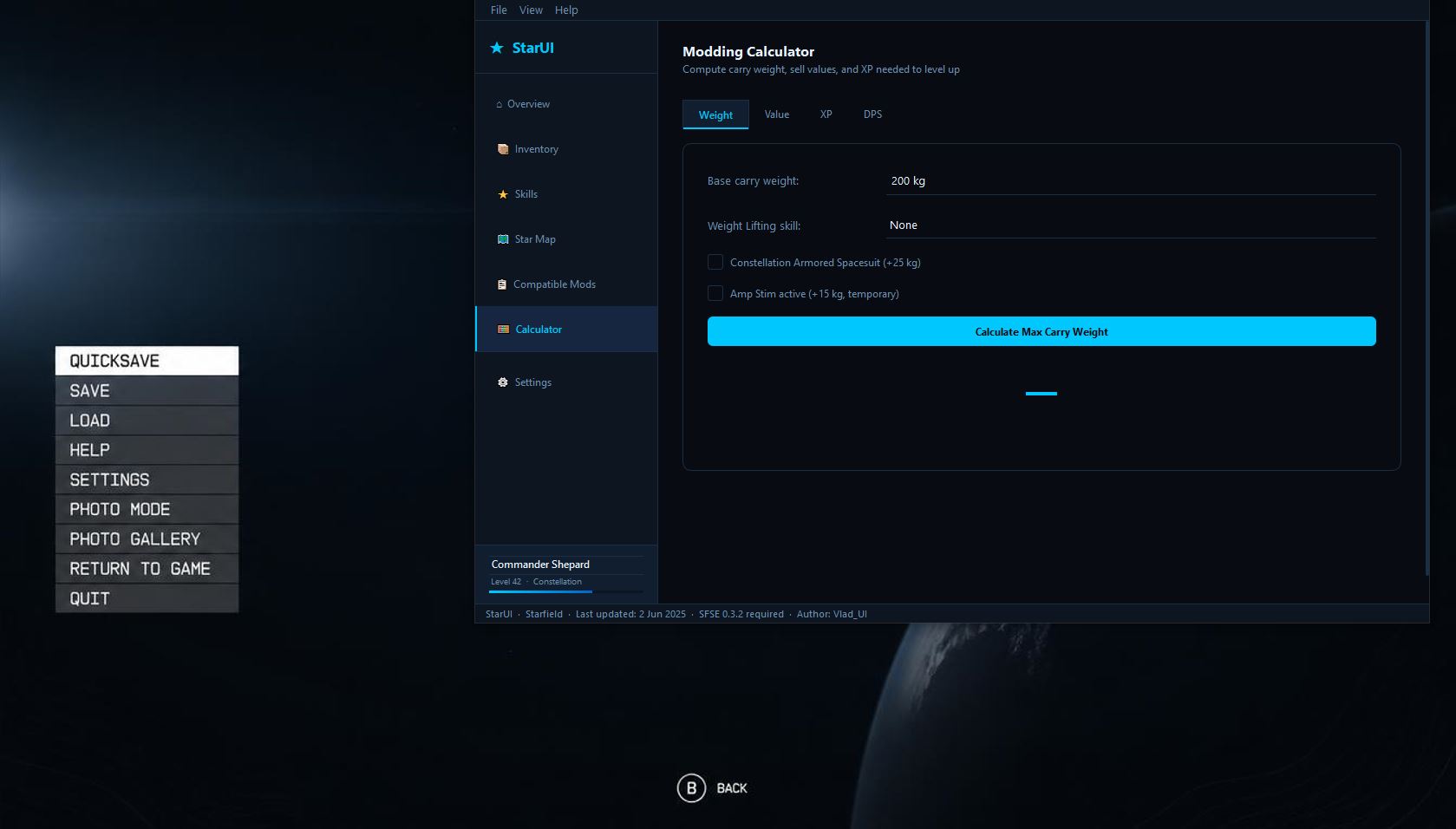
I've always believed that the interface is the part of the game we spend the most time interacting with, and it should be comfortable, fast, and visually pleasing. When I first launched Starfield, I was impressed by its scale, but disappointed by how inconvenient the default UI turned out to be. I found myself spending minutes just looking for a single item in my inventory, and navigating the skills menu was confusing and frustrating.
I knew I could do better. That's how StarUI: Complete Interface Overhaul was born.
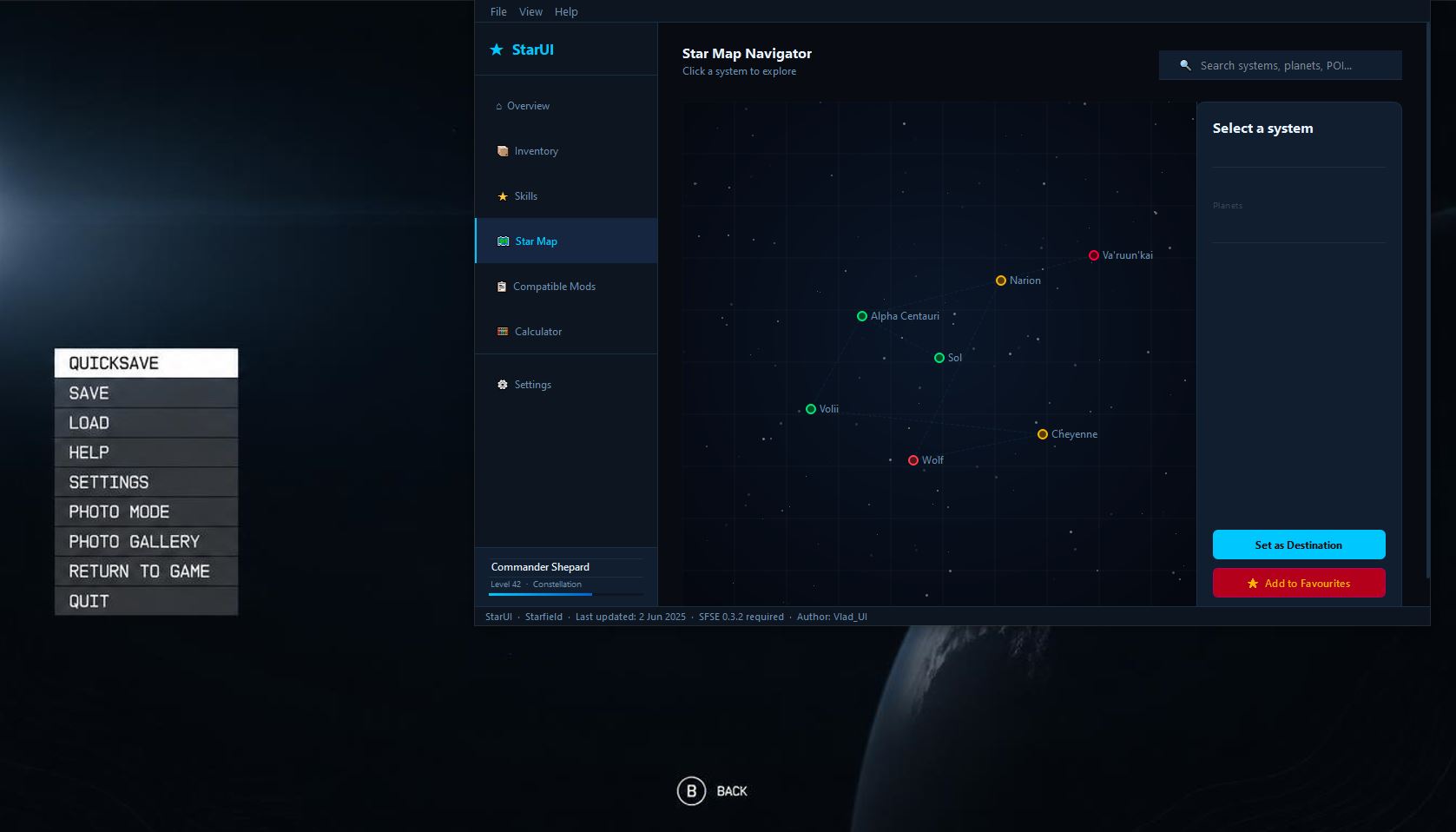
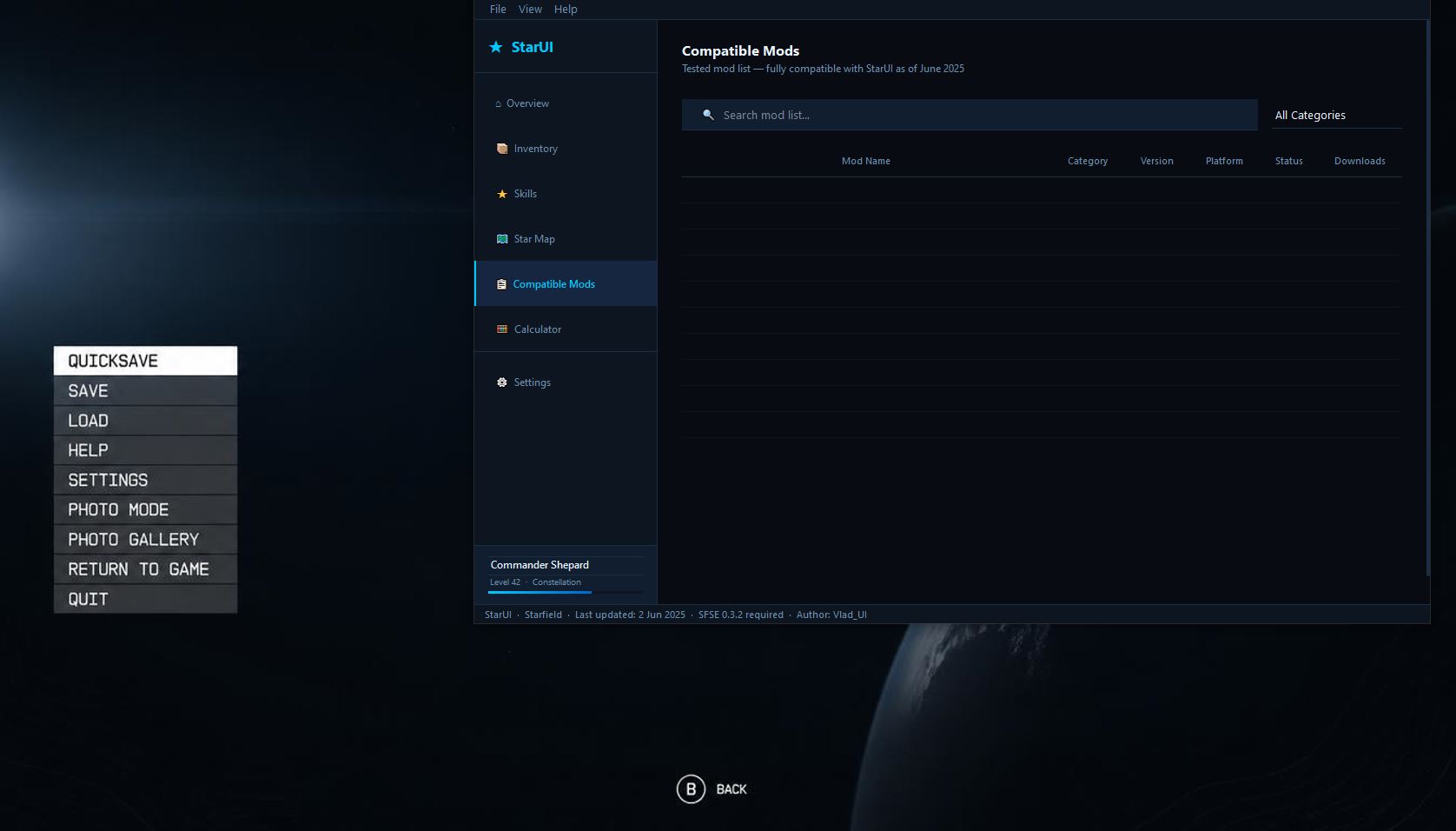
This isn't just a "reskin" — it's a complete rework of the user experience. I went through every element of the interface, from the main menu to the inventory and dialogue systems. My mod does what Bethesda should have done from the start: it transforms the clunky, confusing interface into a modern, minimal, and incredibly intuitive tool for managing your game.
Getting started is simple: launch Starfield first, then run StarUI. The app will automatically detect your game session and sync with it — no manual configuration, no extra steps. It just works.
I built it for myself, but I'm sharing it with the community because I know I'm not alone. If you're tired of endless scrolling and searching, give StarUI a try. Chances are, like me, you won't be able to play without it.
Download
Install instructions
- 1.Download the archive.
- 2.Extract it to any folder.
- 3.Launch Starfield first.
- 4.Run StarUI.exe.
- 5.The app will automatically sync with your game.
Development log
- Starfield Complete Interface Overhaul19 days ago
Leave a comment
Log in with itch.io to leave a comment.